$6.99
1 HD photo
- Full HD download
- No watermark
- Same framing as your photo
- For one treasured picture
Keep the face you remember.
Folds, tears, scratches, stains and fading — repaired together.
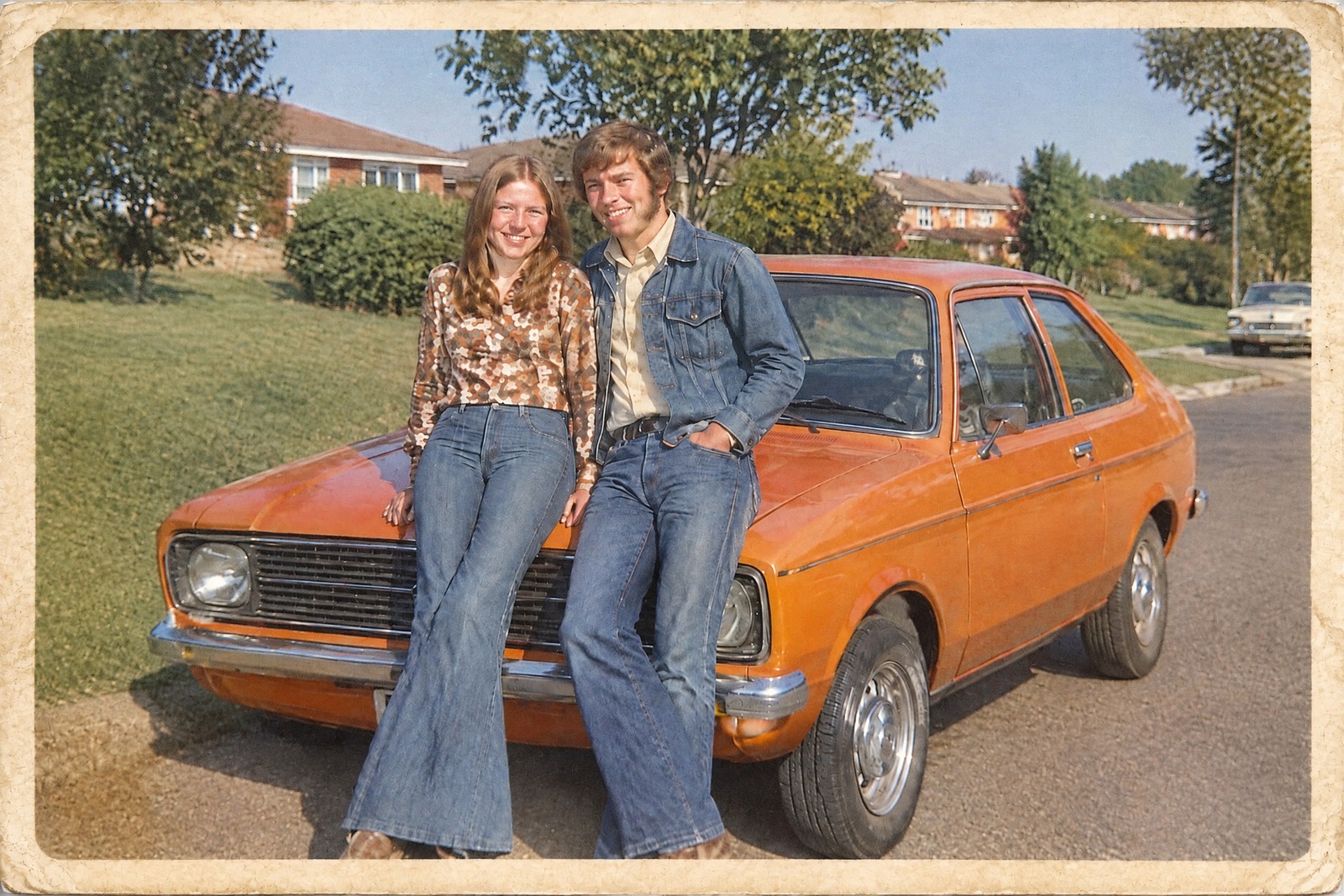 BeforeRestored
Example restorationAI-generated sample · Actual repair output. Drag to compare.
Gallery I · Before and after
Five prints, five different problems. Each after is the unretouched restoration of the print beside it: same framing, same faces. Open any frame for the full size.
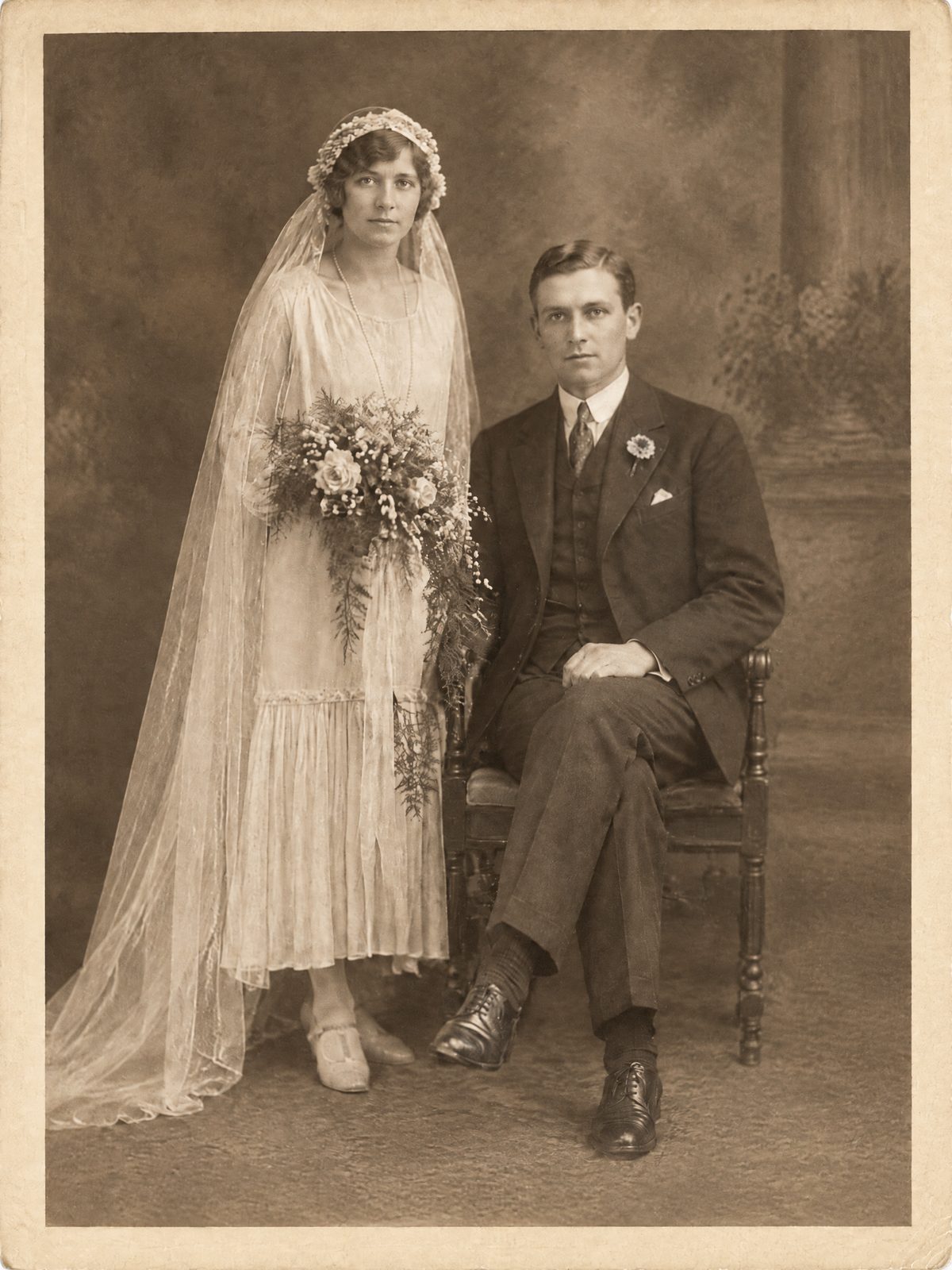
Wedding day, 1920s Folded in half, with a water stain spreading from one corner.
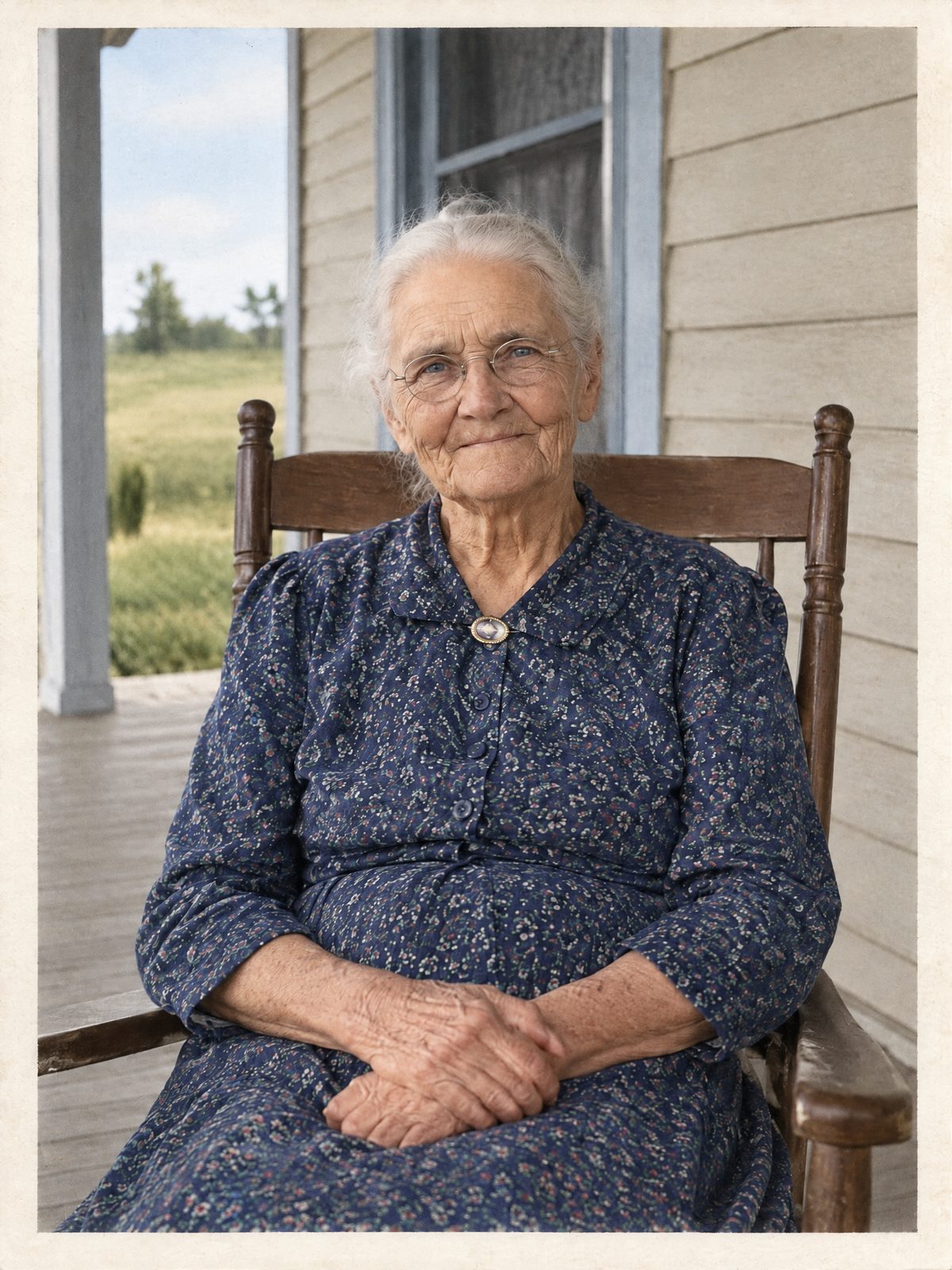
Grandmother on the porch, 1940s Black and white, given optional period color.
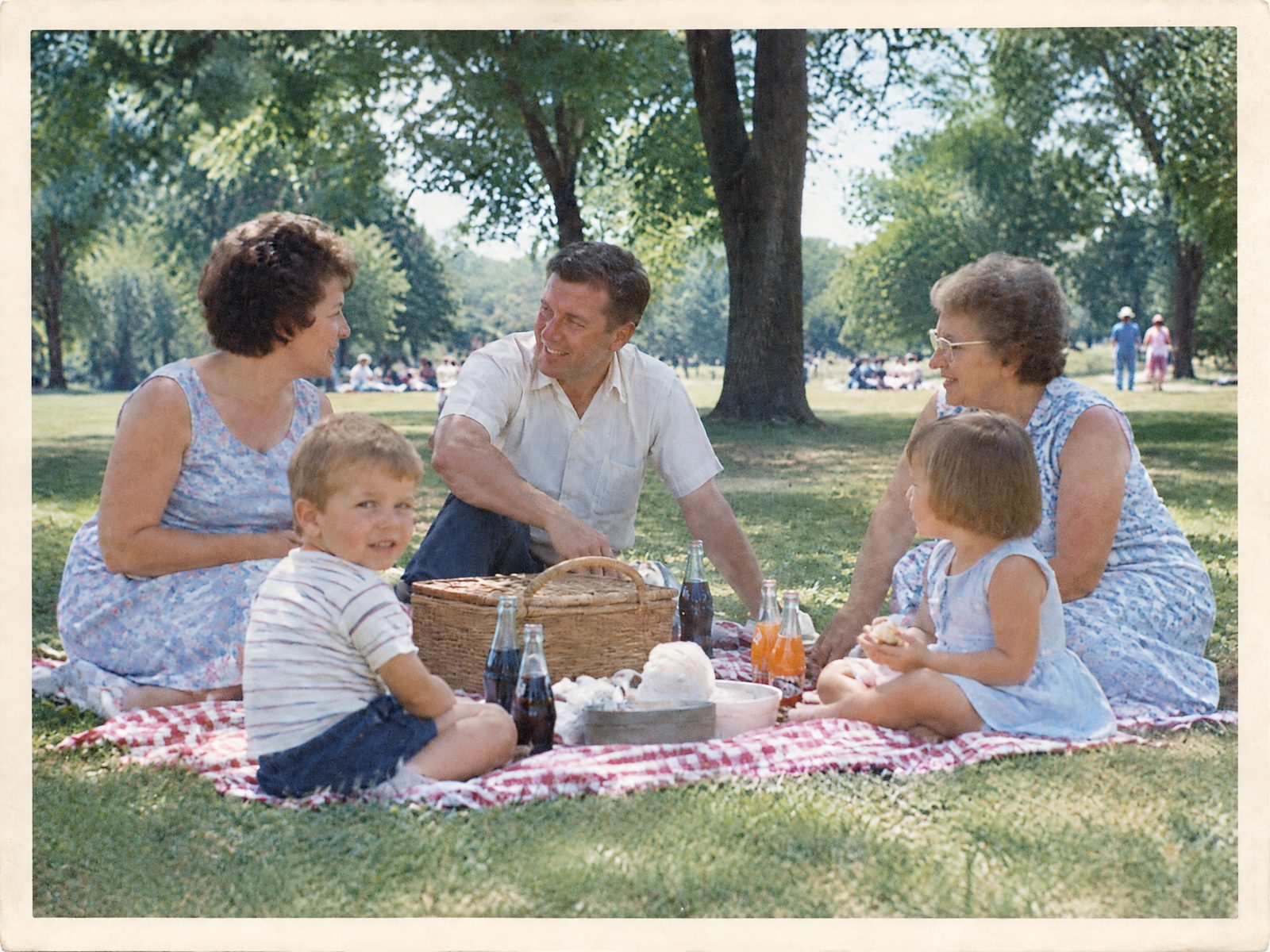
Family picnic, 1960s A color print faded to a heavy yellow-orange.
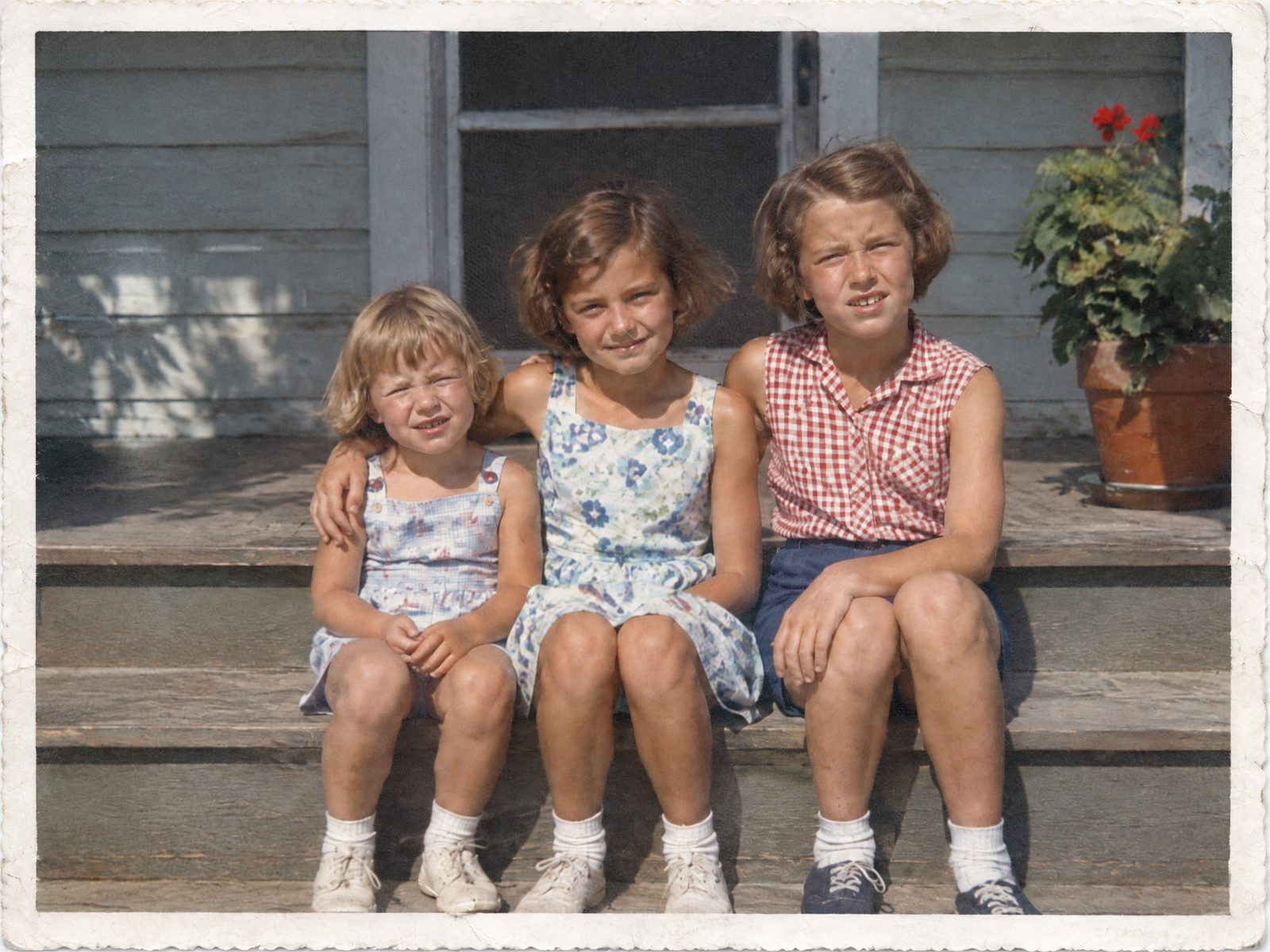
Sisters on the steps, 1950s A torn-off corner and fine scratches across the surface.
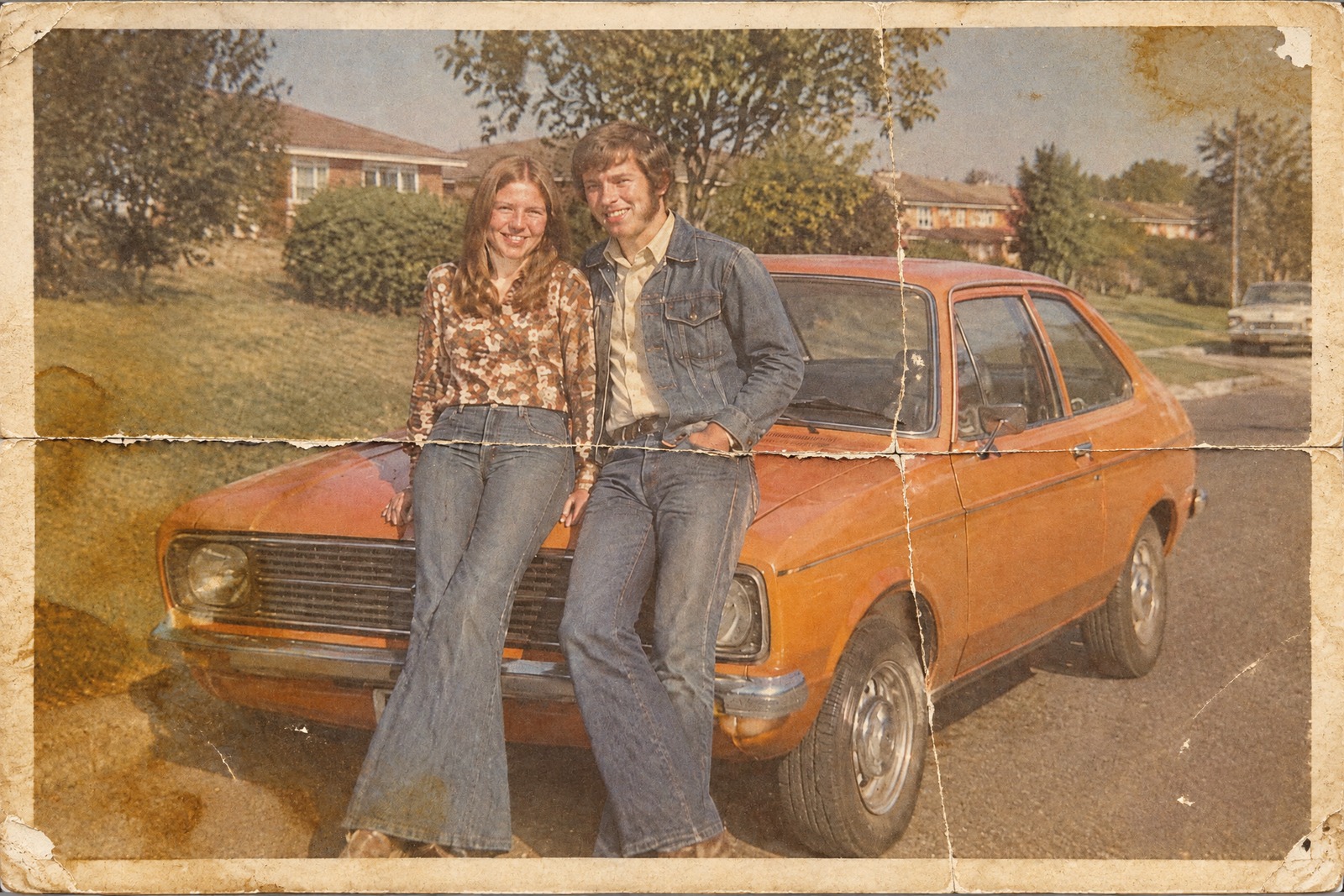
The new car, 1970s Deep folds, water stains and faded color. The original framing is kept.
The before prints are AI-generated samples, not customer photos. The afters are unedited restoration output, only resized.
The house rule
A careful restorer fixes what time did to the paper, not what the camera saw. OldRevive is built to work the same way.
Repaired
Optional
Not done
Gallery II · Side by side
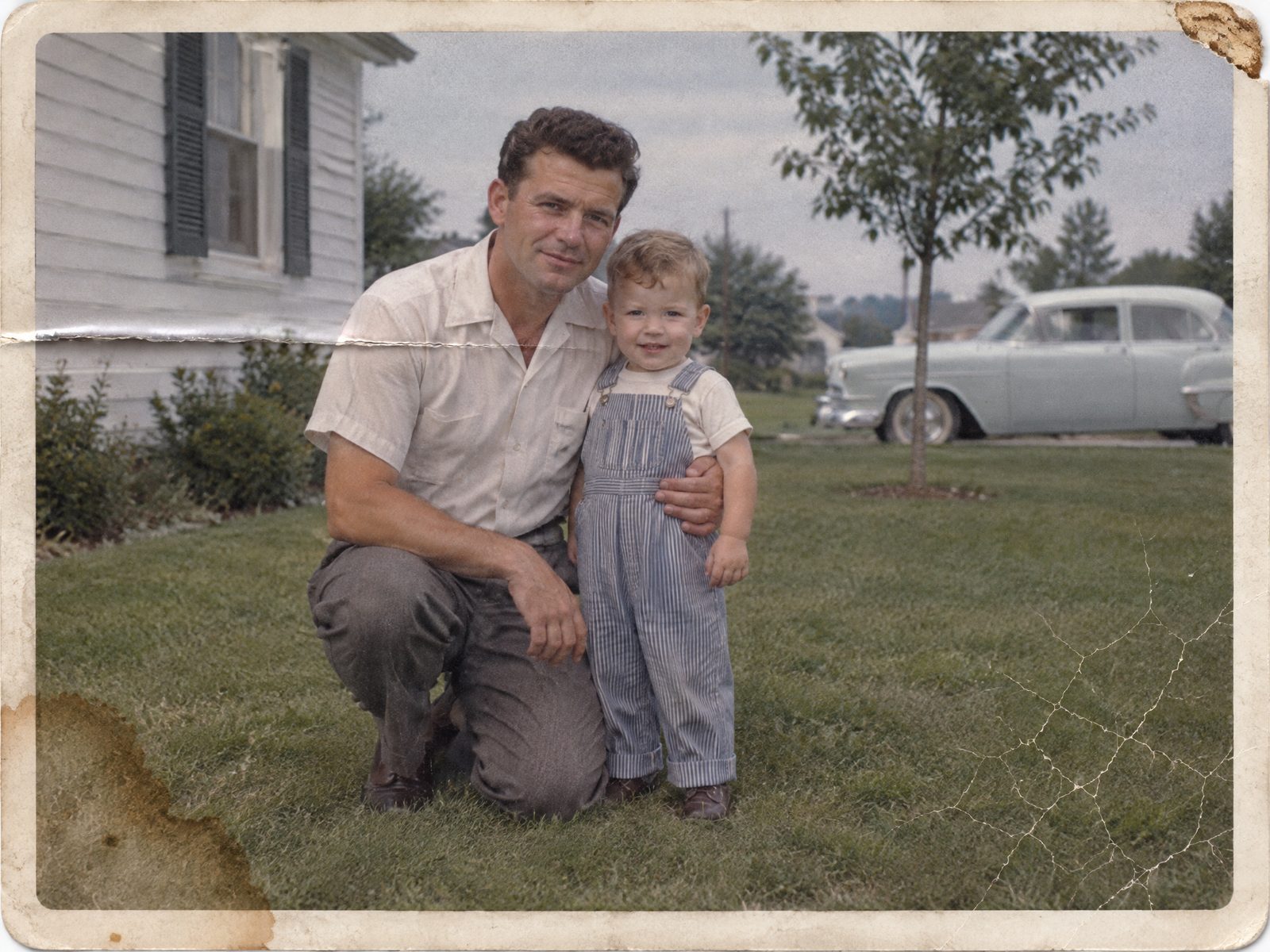
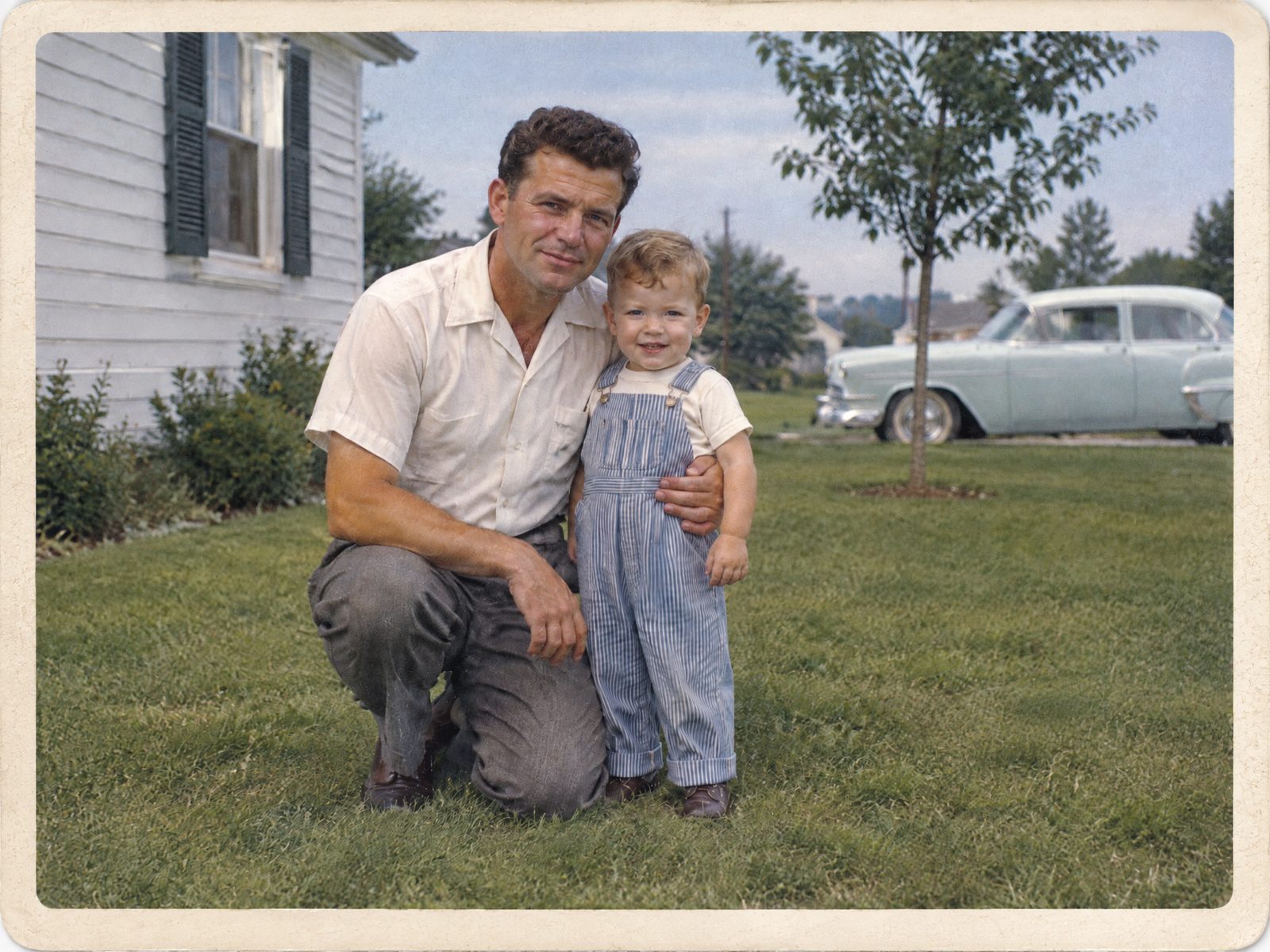
The same father-and-son print from the 1950s, starting from three different conditions. Drag across the image to compare. Look at the faces: they should be the ones you would recognise.
 BeforeAfter
Visitor guide
Four steps, and you pay nothing until you have seen the result.
Upload a scan or a phone photo of the old print as a JPG or PNG. It works online, nothing to install.
You see the restored photo with a watermark. No account, no signup.
If you like it, pay once for a single photo without an account, or sign in with Google or email for the ten-photo pack. Payment is handled by Waffo Pancake.
Download the full HD photo without the watermark, ready to print, frame or share with family.
No scanner needed
A scan or a clear phone photo works. Photograph the print in soft daylight, avoid glare, and keep its edges in the frame. More in how to restore old photos.
Prices
Previews are free. You only buy credits when you want to download a photo in full HD.
2K uses 1 credit per photo; 4K uses 2 credits. Credits are a one-time purchase, not a monthly plan. Single-photo payments need no account; the ten-photo pack requires an account. Payments are processed by Waffo Pancake. Pricing details
$6.99
1 HD photo
$19.99
10 HD photos · $2.00 a photo
Care of your photographs
Family pictures are personal, so here is exactly what happens to them. The full details are on the privacy page.
To restore your photo, we send it to our processing partner, kie.ai, only to run that job. We don't use your photos to train models.
Previews you don't unlock are deleted within 24 hours. Unlocked results, and results you chose to show in the gallery, are kept for 30 days so you can download them again, then deleted.
Your photos stay private. They are never added to the public gallery of results automatically.
Previews and single-photo payments need no account. Sign in with Google or email to save a ten-photo credit pack and download in HD.
Questions
Answers about restoring old photos with OldRevive.
No. OldRevive repairs the damage around and across the face, such as folds, stains, scratches and fading. It is set up not to beautify, smooth or reshape faces. The aim is the same person, without the damage. Always check the faces in the free preview before you buy.
No. A clear phone photo of the print works. Photograph it flat, in soft daylight, without flash. A scan gives the most detail if you have one.
A scan or a phone photo of the print, as a JPG or PNG file, up to 20 MB.
Not for the preview or a single-photo purchase. The watermarked preview is free and needs no signup. Sign in with Google or email to save the ten-photo credit pack. Both paid options provide the full HD result without a watermark.
No. Single photos cost $6.99 for 2K or $9.99 for a new 4K generation. Account packs cost $19.99 for 10 credits or $29.99 for 20 credits. Payment is handled by Waffo Pancake.
Photos are sent to our processing partner, kie.ai, only to run your restoration. We don't use them to train models. Previews you don't unlock are deleted within 24 hours; unlocked results, and results you chose to show in the public gallery, are kept for 30 days so you can download them again. Nothing appears in the public gallery unless you opt in.
Yes. Use our colorizing tool for optional period color. Ordinary restoration keeps black-and-white photos black and white.
Folds, creases, tears, stains, scratches, fading and yellowing, the everyday damage that old prints collect in albums, wallets and shoeboxes.
For restoration studios
OldRevive is built for families first, one photo at a time. If your studio would use batch processing, leave your email and tell us. We'll write back if and when it is available.
Opens an email to us. Nothing is stored on this site.
Your photograph next
Upload a photo of your parent or grandparent and see the restored preview for free. Buy only if the face is the one you remember.
Restore a photo · free preview